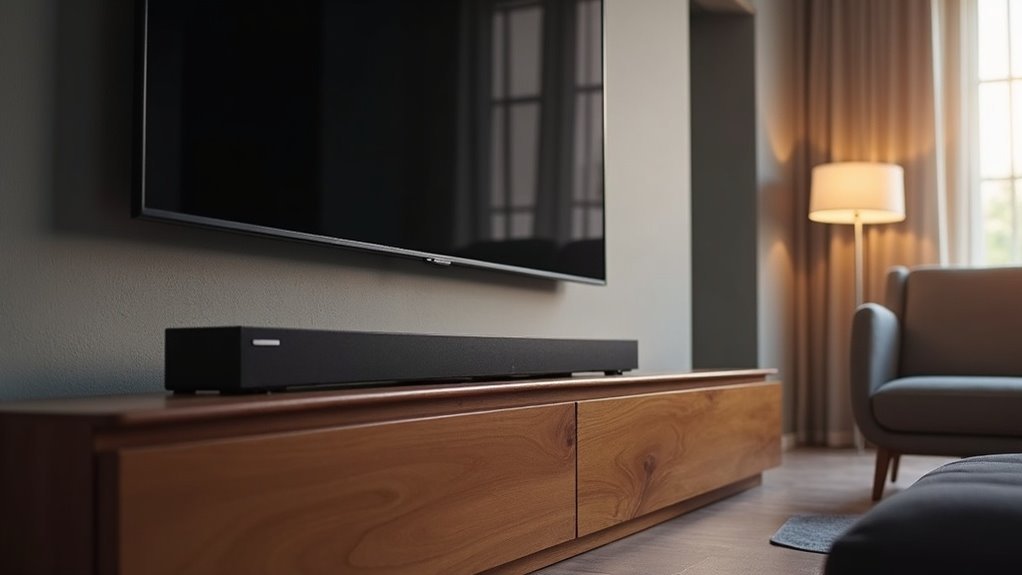
Yes, soundbars work with almost any TV. They’re designed to connect easily, enhancing your audio experience regardless of the TV brand. You’ll typically use methods like HDMI ARC, Bluetooth, or optical cables for the best sound. It’s important to confirm that your TV’s audio output matches the soundbar’s input options. Whether you have a smart or non-smart TV, setting up a soundbar is straightforward. Stick around to discover the best connection methods and tips for maximizing your soundbar’s performance.
Key Takeaways
- Soundbars are generally compatible with various TV brands, enhancing your audio experience regardless of brand mixing.
- Connection methods such as HDMI ARC, Bluetooth, and optical cables play a crucial role in determining compatibility and audio quality.
- For the best audio performance and simplified control between your soundbar and TV, HDMI ARC is the preferred choice.
- Even non-smart TVs can connect to soundbars using optical, auxiliary, or RCA outputs, ensuring compatibility.
- While issues are rare when pairing different brands, it’s always important to check compatibility for optimal sound quality.
Compatibility of Soundbars With Different TV Brands
When it comes to pairing soundbars with TVs, compatibility is generally quite flexible. Soundbars can work with various TV brands, so you can easily connect a soundbar to an LG TV, for example, without experiencing performance issues.
While mixing brands is usually possible, using a matching brand—like a Samsung soundbar with a Samsung smart TV—can enhance control through platforms like SmartThings.
Just ensure that the connection options, such as HDMI or Bluetooth, are compatible with both devices. This attention to detail will help you achieve the best sound quality for your viewing experience.
Connection Methods for Soundbars and TVs
Connecting your soundbar to your TV can significantly enhance your audio experience, especially when you choose the right method.
For optimal audio quality and simplified control with a single remote, HDMI ARC is the best connection option.
If you prefer a wireless setup, Bluetooth offers convenience by minimizing cable clutter, although it may require manual pairing.
For older TVs that don’t support HDMI ARC, optical cables provide a reliable alternative, ensuring high-quality audio transmission.
Always check the compatibility between your soundbar and your TV’s audio output options to ensure a successful connection, no matter which method you select.
Best Connection Options for Optimal Sound
To achieve the best sound quality from your soundbar, selecting the right connection method is essential. Here are the top options to consider:
| Connection Type | Pros | Cons |
|---|---|---|
| HDMI Connections | Transmits both audio and video signals; high compatibility with modern TVs | Requires compatible HDMI ports on your TV |
| Bluetooth | Offers wireless convenience; reduces cable clutter | May experience occasional connectivity issues |
| Optical Cables | Delivers high-quality audio; ideal for older TVs | Limited to audio transmission only |
| Auxiliary Cables | Provides a simple connection via headphone jack | Generally lower audio quality compared to other options |
Choosing the right connection method ensures you get the best audio performance from your soundbar, enhancing your overall listening experience.
Working With Non-Smart TVS
Connecting a soundbar to your non-smart TV is easier than you might think.
You can choose from several audio output options like optical, auxiliary, or RCA, and many users have successfully shared their positive experiences with these methods.
Just make sure to check your TV’s audio output formats for seamless compatibility with your soundbar, ensuring you get the best audio experience possible.
Connection Methods Overview
When exploring how to pair a soundbar with a non-smart TV, understanding the available audio output options is vital.
Your soundbar might connect to an older TV using optical digital audio, which many models support, including options like the LG SL4Y.
Alternatively, if your TV has Bluetooth connectivity, you can enjoy a wireless connection.
It’s important to check your TV’s audio output options to guarantee compatibility with your chosen soundbar.
User Experiences Shared
While many users have successfully paired soundbars with their non-smart TVs, their experiences underscore the necessity of checking compatibility first.
Most users found that using optical cables facilitated seamless connections, confirming compatibility with older models. If your TV supports Bluetooth, you can also enjoy wireless audio, enhancing your listening experience.
Feedback indicates that as long as your TV has the appropriate audio output options—such as optical or auxiliary connections—a soundbar can typically be connected without issues.
It’s important to verify your TV’s audio outputs to ensure a smooth setup for your new soundbar.
User Experiences and Feedback
User experiences with soundbars reveal a mix of satisfaction and caution. Many users find that soundbars work seamlessly with non-smart TVs using optical cables, showcasing compatibility across various models.
The Bluetooth functionality is often praised for providing a convenient wireless connection to different TV brands. However, some users have encountered challenges when their TV lacks proper audio output options, underscoring the need to verify compatibility before making a purchase.
Technical Support and Troubleshooting Tips
Connecting a soundbar to your TV can significantly enhance your audio experience, but it’s crucial to ensure compatibility first.
Here are some troubleshooting tips to ensure your soundbar integrates seamlessly with your setup:
- Verify your TV’s audio output options—look for HDMI ARC, optical digital audio, or Bluetooth compatibility.
- If you encounter connectivity issues, check the soundbar’s input settings and ensure the correct audio output is selected on your TV.
- Refer to the soundbar’s user manual for detailed connection methods and supported formats.
For personalized assistance, consider reaching out to technical support, such as LG Digital Customer Care, for troubleshooting tailored to your specific TV model.







