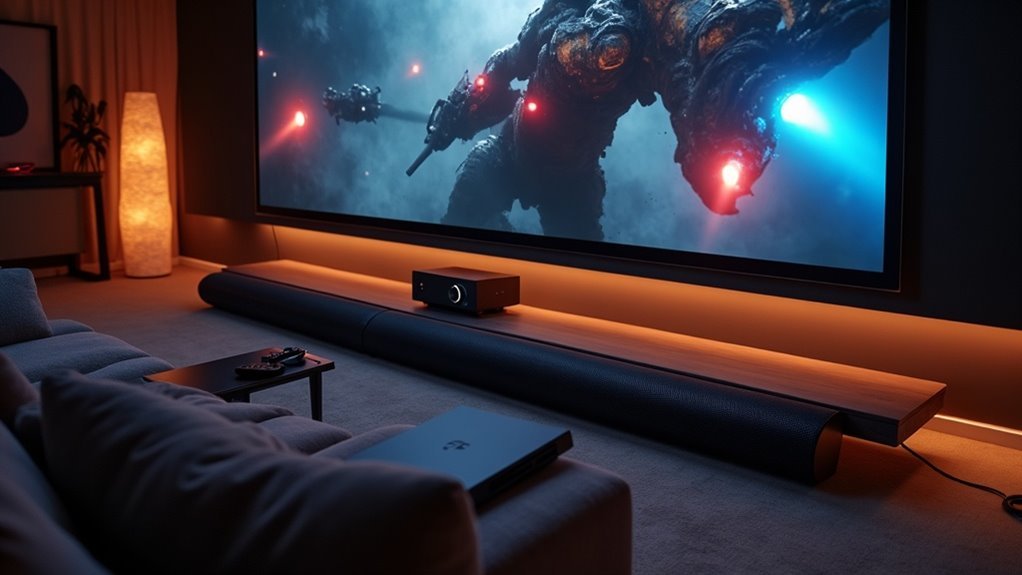
To set up your soundbar with a projector, start by selecting your preferred connection method. For HDMI, connect the soundbar’s HDMI OUT to the projector’s HDMI IN for optimal sound quality. If you prefer optical, use a high-quality optical cable to link both devices, and make sure to adjust the audio settings accordingly. Alternatively, you can use RCA or a 3.5mm cable for an analog connection, or pair them via Bluetooth for a wireless option. Don’t forget to configure the audio output settings on your projector to ensure the soundbar functions properly. Continue reading for detailed steps on each connection method.
Key Takeaways
- Connect the soundbar to the projector using HDMI for high-quality audio and video output, ensuring to select the correct HDMI input in the projector’s settings.
- If HDMI is unavailable, use an optical cable for a reliable audio connection and adjust the audio settings on both devices accordingly.
- For temporary setups, analog cables can be used for connection, but be aware that this may result in lower audio quality.
- If both devices support Bluetooth, activate pairing mode on the soundbar and select it in the projector’s Bluetooth settings for a wireless connection.
- Secure all connections and configure the projector’s audio output settings to ensure optimal performance and sound recognition from the soundbar.
Options for Connecting a Soundbar to a Projector
When you’re setting up a soundbar, there are several options for connecting it to your projector, depending on the available ports and your audio quality preferences.
HDMI is the preferred method, as it supports high-quality audio and video, with HDMI ARC allowing volume control via the projector remote.
If HDMI isn’t available, optical connections offer clear audio without interference, ensuring high-fidelity sound quality.
For a wireless option, you can use Bluetooth, but be mindful of potential latency.
If distance is an issue, consider an HDMI audio extractor to maintain audio and video signals effectively.
How to Connect a Soundbar to a Projector With HDMI?
To connect a soundbar to a projector using HDMI, first ensure that both devices have compatible HDMI ports.
Use an HDMI cable to connect the soundbar’s HDMI OUT to the projector’s HDMI IN. If available, consider using the HDMI ARC (Audio Return Channel) for enhanced functionality.
Follow these steps:
- Check the soundbar settings to select the correct HDMI input.
- Adjust the projector’s audio output settings to recognize the soundbar.
- If the projector lacks HDMI ARC, you can use an HDMI audio extractor for optimal audio quality.
This setup ensures that your projector routes audio through the soundbar, delivering an immersive viewing experience that enhances your overall sound quality.
How to Connect a Soundbar to a Projector With Optical or SPDIF?
How can you achieve high-quality audio from your projector to your soundbar using an optical or SPDIF connection?
First, ensure that both your projector and soundbar are equipped with compatible optical ports. Utilize a high-quality optical cable to connect the optical input of your soundbar to the optical output of your projector.
Ensure both your projector and soundbar have compatible optical ports, then connect them using a high-quality optical cable for optimal audio performance.
It’s essential to ensure that the cable is securely plugged into both devices for optimal performance.
Next, navigate to the audio settings on your projector and configure it to output audio through the optical connection, which may involve setting the audio format to PCM.
Lastly, adjust your soundbar settings to select the appropriate optical input, allowing for seamless playback and delivering superior audio quality.
How to Connect a Soundbar to a Projector Using an Analog Connection?
Connecting a soundbar to a projector using an analog connection is a simple process that can be accomplished quickly with the right cables.
Begin by locating the RCA (red and white) or 3.5mm audio output/input ports on both the soundbar and the projector. Use the appropriate cables to make a secure connection between the two devices.
- Ensure that the projector’s audio output settings are configured to select the correct sound source for optimal performance.
- Keep in mind that analog connections may deliver lower audio clarity compared to digital alternatives, which could affect your overall sound experience.
This analog setup is particularly useful for temporary arrangements when digital connections are unavailable, although it may not provide the high-fidelity sound quality that audiophiles prefer.
How to Connect a Soundbar to a Projector via Bluetooth?
Looking to elevate your projector’s audio experience? Connecting a soundbar via Bluetooth is an easy process. First, ensure that both your projector and soundbar have Bluetooth capability. Turn on Bluetooth for both devices. Then, activate pairing mode on your soundbar by pressing the designated button until a light starts flashing. On your projector, navigate to the Bluetooth settings to search for available devices. Select your soundbar from the list to begin the pairing process. Once connected, you should see a confirmation message on the projector or hear an audio cue indicating a successful connection.
| Step | Action | Notes |
|---|---|---|
| 1 | Enable Bluetooth | On both devices |
| 2 | Activate pairing mode | On the soundbar |
| 3 | Access projector settings | Select soundbar |
| 4 | Confirm connection | Look for confirmation indicators |







