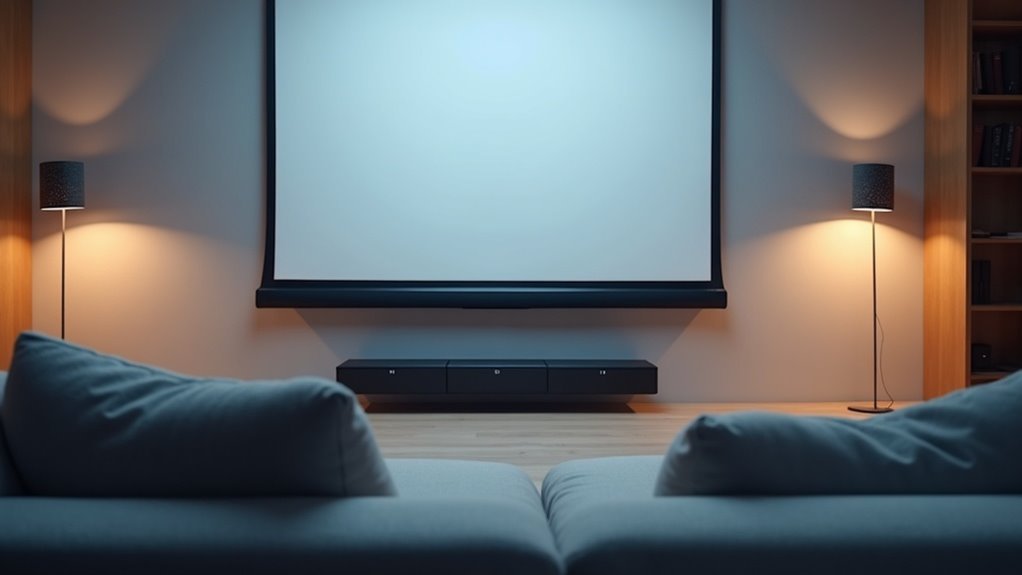
For superior sound from your projector screen, position the soundbar directly beneath it at a height of 7 to 7.5 feet. This placement enhances sound distribution and balances audio effectively. If you’re looking to optimize Dolby Atmos effects, consider a lower placement. Ensure that your projector supports HDMI ARC for high-quality audio transmission. Interested in discovering the best soundbars for your setup and exploring additional connectivity options? More details are available just ahead.
Key Takeaways
- Mount the soundbar 7 to 7.5 feet high, directly beneath the projector screen for optimal sound distribution.
- Lower placements can enhance Dolby Atmos effects, improving the overall audio experience when using a soundbar.
- Use HDMI ARC for a single remote control and two-way communication between the soundbar and projector, simplifying your setup.
- Ensure that the soundbar’s audio connections are compatible with the projector to achieve the best performance.
- Organize cables with management solutions to maintain a neat appearance and avoid clutter around your soundbar setup.
Optimal Placement of Soundbar for Projector Screens
When placing a soundbar in relation to a projector screen, aim for a height of 7 to 7.5 feet from the ground to align with typical viewing levels.
To ensure optimal audio immersion, make sure the soundbar is centered directly beneath the projector screen. This positioning enhances sound distribution and maintains a balanced audio experience.
Centering the soundbar directly beneath the projector screen enhances sound distribution for a balanced audio experience.
While some soundbars, such as the SONOS Playbar, can be mounted above the screen for improved audio angles, it’s important to note that for Dolby Atmos effects, lower placements are generally more effective.
Additionally, consider the acoustics of the room when selecting a mounting bracket or shelf, ensuring it securely holds the soundbar while delivering high-quality audio for an engaging viewing experience.
Connection Options for Soundbars and Projectors
To achieve the best audio experience with your soundbar, it’s crucial to select the appropriate connection method for your projector. Here are some options to consider:
- HDMI: This option offers high-quality audio and is very convenient for setup.
- HDMI ARC: With this feature, you can enjoy two-way communication and control your setup with a single remote.
- Optical connections: These transmit digital audio signals without interference, ensuring clear sound.
- 3.5mm audio jacks and RCA cables: While these provide basic connectivity options, they typically result in lower sound quality compared to other methods.
- Always check for compatibility between your projector and soundbar to ensure optimal audio performance.
Considerations for Sound Quality and Atmos Compatibility
Achieving ideal sound quality and Atmos compatibility with your soundbar requires careful attention to its placement in relation to your projector screen.
For optimal audio quality, position your soundbar below the projector screen to enhance the Atmos effect, as high placement can distort sound reflections.
Ensure your projector supports HDMI ARC for improved audio transmission, as this feature is essential for delivering high-quality audio.
Connecting source devices directly to the soundbar can enhance sound fidelity, minimizing signal degradation.
Aesthetic Wiring Solutions for Soundbar Setup
While setting up your soundbar, integrating the wiring aesthetically can significantly enhance the overall look of your entertainment space.
Utilize high-quality cable management solutions such as adhesive clips or raceways to keep audio and power cables organized. Opt for color-matching wires with your wall decor to achieve a seamless appearance.
If you’re connecting via HDMI ports, ensure that cables reach the soundbar and projector without creating visible clutter. For wireless setups, place the soundbar within Bluetooth range for optimal audio output.
- Seamless integration
- Clutter-free aesthetics
- Enhanced viewing experience
- Cohesive room design
- High-quality audio and video
Recommended Soundbars for Projector Use
When selecting the optimal soundbar for your projector setup, it’s essential to assess features that enhance audio quality and compatibility. Here are some top recommendations:
| Soundbar | Features | Price Range |
|---|---|---|
| SONOS Playbar | Supports upside-down mounting, delivers excellent sound quality | $$ |
| Yamaha YAS-207 | Simulates Atmos with Virtual X, budget-friendly | $ |
| Nakamichi Soundbar | Cost-effective with good sound quality for various setups | $ |
| Klipsch Center Speakers | Perfect for placement above screens, offers clear audio | $$ |
These soundbars come equipped with HDMI inputs, ensuring an easy setup and high-fidelity audio experience for your projector use.







