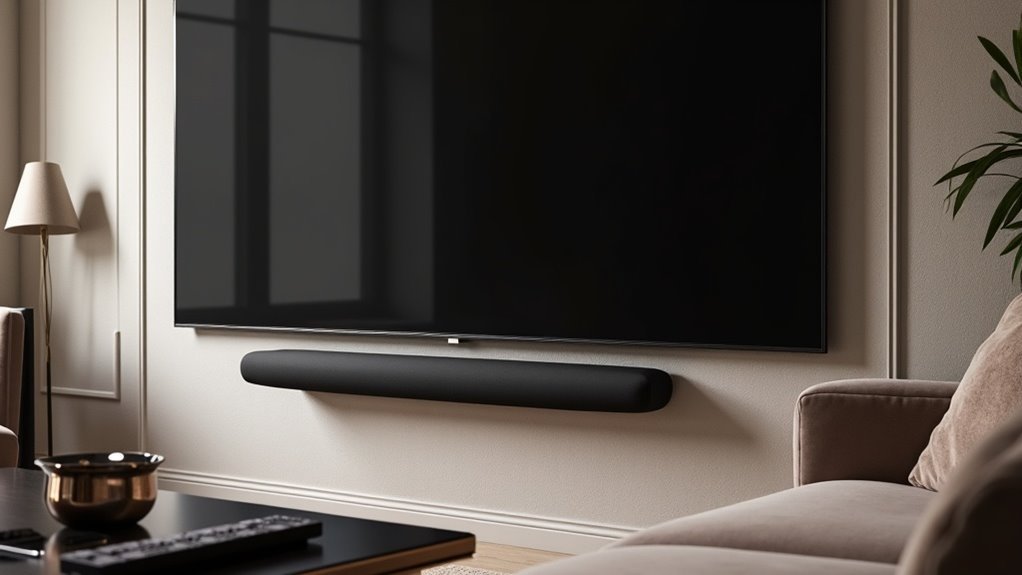
To place a soundbar with a curved TV, first check for mounting holes on your soundbar. Choose a mount compatible with your TV’s VESA holes and consider adjustable brackets to fit the curvature of your TV. Position the soundbar directly beneath the TV for optimal sound alignment. Mark and secure the mounting points carefully to ensure everything is level. Tighten all fittings for stability to enhance your audio experience. Manage cables discreetly for a tidy appearance. For more tips on soundbars, continue exploring our resources for a seamless installation.
Key Takeaways
- Position the soundbar directly beneath the curved TV to achieve optimal audio alignment and enhance your viewing experience.
- Utilize adjustable universal mounts with spacers to ensure a snug fit against the curved back of the TV, which is essential for maintaining sound quality.
- Always verify the weight capacity of the mount to securely support the soundbar, minimizing the risk of it falling.
- Carefully mark the mounting points to ensure a level installation, which helps to prevent obstructing any upward-firing speakers that may enhance your audio experience.
- Route cables discreetly behind the TV and soundbar to create a clean and organized setup, keeping the focus on your soundbar and TV.
Checking Mounting Points
Before you begin installing your soundbar, it’s crucial to check the mounting points to ensure a secure fit. Inspect the back or bottom of your soundbar for mounting holes that will be used during installation.
If your soundbar has a curved back, standard flat mounts mightn’t work; instead, you’ll need an adjustable universal mount. Look for mounts with spacers or brackets designed for that curvature to enhance sound quality and stability.
Additionally, verify that the chosen mount’s weight capacity can adequately support your soundbar, preventing any installation issues and ensuring optimal performance.
Choosing the Right Mounting Location
When selecting a mounting location for your soundbar, especially when paired with a curved TV, it’s essential to position the soundbar directly beneath the television to ensure optimal audio alignment and visual harmony.
Consider the following tips:
- Utilize mounts that attach to the TV’s VESA mounting holes for a streamlined appearance.
- Opt for a depth-adjustable mount to prevent obstructing upward-firing speakers, enhancing sound quality.
- Level and mark points on the wall or TV to ensure a straight and even installation.
- Take the curved design into account and choose spacers or brackets for a secure and snug fit.
Following these steps won’t only enhance your home theater setup but also significantly improve your overall sound experience.
Step-by-Step Installation Process
To install your soundbar beneath a curved TV, begin by checking for mounting holes on the soundbar and confirming its compatibility with your selected mount.
Consider the soundbar’s placement, opting for a mount that can attach to the VESA holes for a seamless appearance.
Mark the mounting points on the wall or TV in accordance with the mount’s instructions, ensuring to use a level for accurate alignment before drilling.
Attach adjustable brackets or spacers to the soundbar to accommodate the curvature of the TV, securely fastening it to the mount once all adjustments are made.
Lastly, ensure effective cable management by routing cables behind the TV for a tidy and organized setup.
Ensuring Soundbar Stability
Ensuring the stability of your soundbar is essential for both safety and sound quality.
- Use adjustable universal mounts specifically designed for curved backs to secure your soundbar effectively.
- Incorporate spacers and brackets to align the soundbar perfectly with your TV for optimal audio performance.
- Tighten all screws and connections to prevent wobbling during use, ensuring a consistent listening experience.
- Regularly inspect the mount and soundbar to maintain stability and address any potential issues promptly.
Effective Cable Management
After securing your soundbar for stability, effective cable management is essential for a sleek and functional soundbar setup.
Use cable clips or adhesive organizers to secure power and audio cables along the wall, preventing tangling and ensuring your soundbar remains the focal point. Route cables discreetly behind the soundbar and television to eliminate visible clutter.
Secure cables with clips and route them behind your soundbar and TV for a clean, clutter-free look.
Ensure that the cables are long enough to reach both the soundbar and power source without straining, which helps prevent damage. Consider using a cable management box to conceal excess cables, protecting them from wear and tear.
Regularly check connections to maintain optimal sound quality and a polished appearance in your entertainment area.







