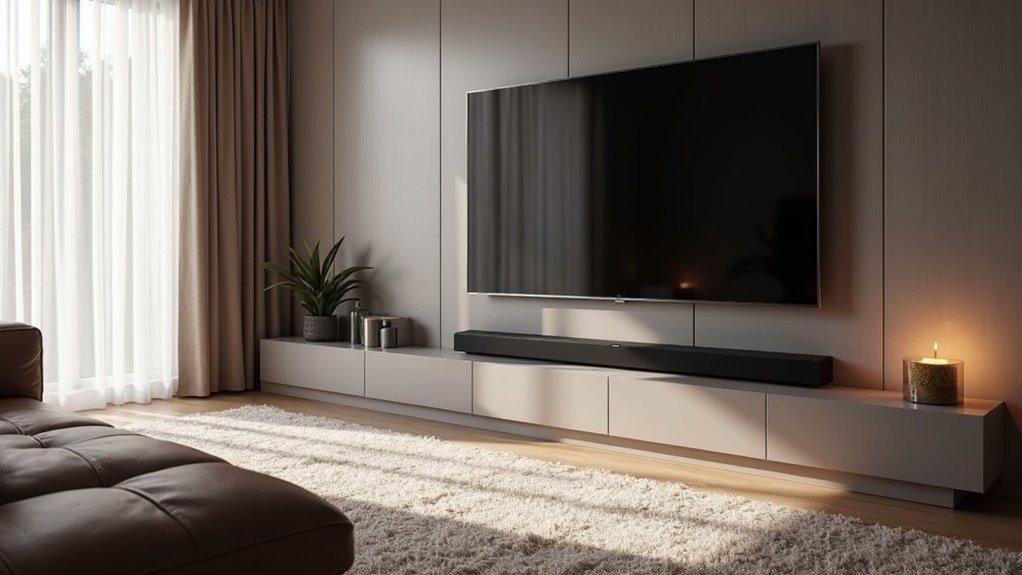
To center a soundbar beneath an off-center TV, position it directly below the screen while ensuring it’s at ear level for optimal audio clarity. Measure the distance from the TV edges and adjust the soundbar’s placement to minimize obstructions, such as furniture, that could interfere with sound quality. If you need more flexibility, consider using an adjustable mount for the soundbar. This arrangement will significantly enhance your audio experience. Keep reading for more tips on optimizing your soundbar setup.
Key Takeaways
- Position the soundbar directly below the off-center TV to maintain optimal audio alignment with your seating area for a better sound experience.
- Use an adjustable soundbar mount to shift the soundbar laterally, aligning it with your main seating position for improved audio clarity.
- Avoid placing furniture or other obstructions that could interfere with sound quality between the soundbar and seating area to ensure a clear sound projection.
- Consider angled mounting if the TV is above eye level to enhance the surround sound experience and provide better audio dynamics.
- Aim for a height of approximately 42.5 inches from the floor for the best audio clarity when seated, ensuring an immersive listening experience.
Understanding the Importance of a Soundbar
A soundbar is essential for enhancing your home audio experience, especially in an era where modern TVs showcase sleek designs but often compromise on sound quality.
Soundbars serve as an excellent solution, typically integrating multiple speakers within one unit, including a center channel that enhances dialogue clarity.
With advanced technologies like Dolby Atmos, soundbars can create a three-dimensional audio experience, simulating the effects of a surround sound speaker setup.
Positioning the soundbar beneath your TV ensures optimal sound alignment, which is crucial for immersive viewing.
Ultimately, the choice of soundbar configuration—such as 2.0 or 5.1.2—should reflect your personal preferences and the specifics of your space.
Measuring for Proper Soundbar Placement
To achieve ideal soundbar placement for optimal audio performance, begin by measuring the distance from the center of your TV screen to both the left and right edges. This measurement helps determine the offset needed for proper alignment.
Position your soundbar directly in front of the TV at ear level when seated to ensure peak audio clarity. Avoid placing it behind furniture or any obstructions that could interfere with sound quality.
Use a level to confirm that the soundbar is straight, as an angled placement can distort sound perception. If your TV is wall-mounted, consider wall-mounting the soundbar as well, using an adjustable mount to maintain alignment and accommodate any height differences for the best listening experience.
Adjusting for Off-Center TV Positioning
When your TV isn’t centered, adjusting your soundbar’s position is crucial for optimal audio performance.
Consider using an adjustable soundbar mount that allows lateral movement to align it with your seating position. Position the soundbar directly below the off-center TV to ensure ideal audio alignment, while avoiding obstacles like furniture that could obstruct sound.
If your TV is mounted higher than eye level, take advantage of wall reflections and consider angled mounting to enhance the surround sound experience.
Aim to install the soundbar at ear level, ideally around 42.5 inches from the floor, to ensure the best sound quality for all viewers.
Exploring Soundbar Mounting Options
Numerous soundbar mounting options are available to help you achieve ideal audio performance while maintaining a sleek home theater setup.
For peak audio alignment, consider mounting your soundbar below the TV at ear level. An articulating mount allows you to attach the soundbar directly to the back of the TV, providing flexibility and a clutter-free appearance.
For optimal sound performance, mount your soundbar below the TV at ear level for a clean and flexible setup.
Some models, like the Mounting Dream soundbar mount, utilize a compact design with dual arms for effective cable management.
Always check the weight and size of your soundbar when selecting a wall mount to guarantee it supports your upgraded sound without compromising stability.
Tips for Optimizing Your Audio Experience
Optimizing your audio experience with a soundbar setup involves careful consideration of positioning and technology. To enhance sound clarity and immersion, attach the soundbar directly below your TV, ideally at ear level. Utilizing a Dolby Atmos soundbar can significantly elevate your home audio experience. Adjust the soundbar slightly toward your seating area to minimize sound distortion. Consider using a mount with horizontal adjustment capabilities for improved alignment. Lastly, ensure that all components are properly calibrated to balance sound levels, achieving a seamless and immersive audio experience.
| Tip | Description |
|---|---|
| Positioning | Mount soundbar at ear level |
| Technology | Use Dolby Atmos for immersive sound |
| Angling | Tilt soundbar towards seating area |
| Calibration | Verify all speakers are properly calibrated |







