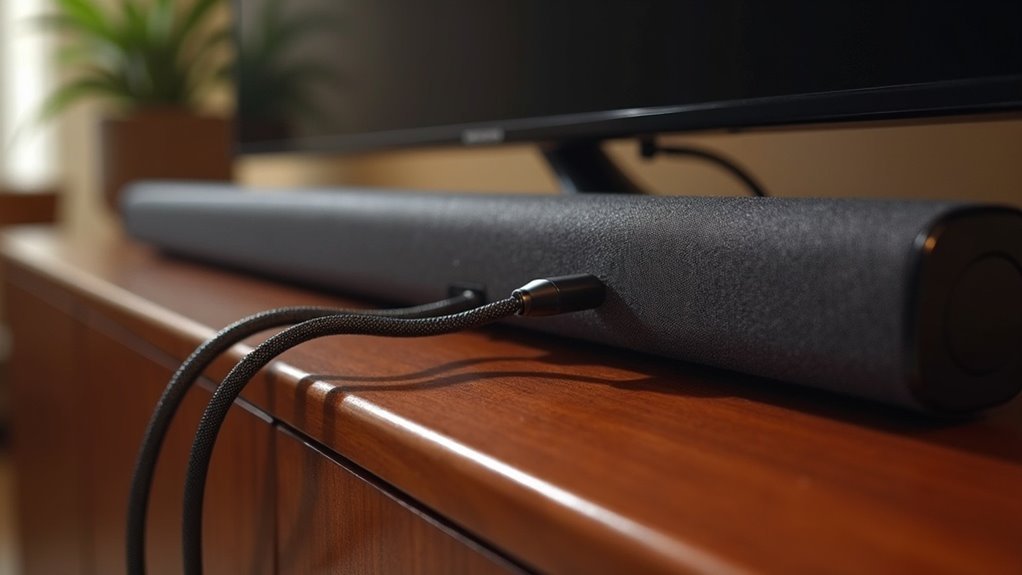
Soundbars utilize AUX connections to amplify audio output from various devices such as TVs and smartphones. To set it up, simply connect one end of the AUX cable to the soundbar’s AUX IN jack and the other end to the device’s AUDIO OUT jack. This straightforward and budget-friendly method enhances sound quality, although it is limited to stereo audio. If you’re interested in exploring additional connection methods and their advantages, there is much more to learn on this topic.
Key Takeaways
- Soundbars utilize AUX connections by plugging an AUX cable into the AUX IN jack, allowing for audio input from external devices.
- The AUX cable establishes a connection between the soundbar and devices such as TVs and smartphones, making for a straightforward plug-and-play experience.
- After connecting, users need to select the AUX mode on the soundbar to initiate audio playback.
- AUX connections provide stereo audio, which enhances sound quality compared to built-in TV speakers, albeit limited to 2.1 channels.
- While AUX connections are budget-friendly, they may not take full advantage of advanced soundbar features, resulting in lower audio quality compared to HDMI or optical connections.
Understanding AUX Cables and Their Functionality
When you connect your soundbar to a TV using an AUX cable, you’re utilizing a simple yet effective audio solution specifically for enhancing your home entertainment experience.
AUX cables, featuring male plugs on both ends, allow for seamless audio connection between devices, making them a go-to option for soundbar setups. Their widespread compatibility with most soundbars and TVs ensures a quick and hassle-free installation without the need for additional equipment or software, enhancing user-friendliness.
However, it’s important to note that AUX cables typically support only stereo audio, delivering a maximum of 2.1 channels. While they’re cost-effective and easily replaceable, they may not provide the best audio experience for soundbars designed to deliver higher-quality sound formats.
Steps to Connect Your Soundbar via AUX
Connecting your soundbar via AUX is a simple and effective way to enhance your audio experience.
Start by finding the AUX IN jack on your soundbar and the AUDIO OUT jack on your external device, such as a TV or Blu-Ray player.
Locate the AUX IN jack on your soundbar and the AUDIO OUT jack on your TV or Blu-Ray player.
Insert one end of the AUX cable into the soundbar’s AUX IN port and the other end into the external device’s AUDIO OUT jack, ensuring a secure connection.
Next, power on both devices and select the AUX mode using the Source button.
Finally, adjust the volume levels on both the soundbar and the external device to ensure successful audio playback through your soundbar.
Enjoy your enhanced sound experience!
Advantages of Using AUX Connections
Using AUX connections for your soundbar offers an easy setup process, allowing you to connect it quickly without complex configurations.
It’s also a cost-effective solution since AUX cables are widely available and affordable.
Additionally, their versatility means you can easily switch between different audio devices, enhancing your soundbar experience without hassle.
Easy Setup Process
Setting up a soundbar with an AUX connection is an incredibly simple process that anyone can manage.
Just plug one end of the AUX cable into the soundbar’s AUX IN jack and the other end into your TV or audio device’s audio out port. This method requires no additional equipment or software, making it user-friendly and efficient.
You can effortlessly switch between audio sources without any complicated configurations. Additionally, AUX cables are widely available and easy to replace if needed.
Enjoy enhanced sound quality from your soundbar compared to built-in TV speakers with this hassle-free connection.
Cost-Effective Solution
AUX connections stand out as a cost-effective solution for enhancing your soundbar experience.
Here are some advantages you’ll appreciate:
- Wide Compatibility: Works seamlessly with most soundbars and TVs, ensuring easy integration.
- Simple Setup: Quick plug-and-play installation requires no extra software, making it user-friendly.
- Budget-Friendly: Typically more affordable than digital audio cables, allowing you to save money on your audio setup.
- Flexibility: Easily switch between different audio sources with minimal effort, enhancing your soundbar’s versatility.
Versatile Device Compatibility
When you want to connect multiple devices to your soundbar easily, AUX connections offer a versatile solution that accommodates everything from TVs to smartphones and laptops.
Featuring a 3.5mm jack, these connections eliminate the need for special adapters, simplifying the process. You can plug and play without any software or complex setup, making it user-friendly for soundbar enthusiasts.
AUX cables are affordable and widely available, enhancing your audio experience with your soundbar without a hefty investment. Plus, they allow you to switch between audio sources effortlessly, creating a flexible audio setup, even though they’re limited to 2.1 channels.
Enjoy straightforward connectivity with your soundbar using AUX connections today!
Disadvantages of AUX Connections
While it might seem convenient to use an AUX connection for your soundbar, several disadvantages can hinder your audio experience.
Here are some key drawbacks to take into account:
- AUX connections only support 2.1 channels, limiting your surround sound capability and preventing you from fully enjoying immersive audio.
- The audio quality is generally lower compared to other connection methods, risking loss of clarity and detail in your sound.
- Many soundbars can’t fully utilize their advanced features when connected via AUX, restricting your access to enhanced functionalities.
- Sound distortion may occur due to amplified signals from headphone jacks, negatively impacting your listening experience.
These limitations can greatly affect your overall soundbar performance, making it worthwhile to explore alternative connection methods for a superior audio experience.
Troubleshooting Common AUX Connection Issues
If you’re experiencing issues with your soundbar’s AUX connection, several troubleshooting steps can help you restore audio functionality.
First, ensure that the AUX cable is securely connected to both the AUX IN port on the soundbar and the audio out jack on your device.
Next, switch the soundbar to AUX mode using the remote or the INPUT button.
Remember to check and adjust the volume levels on both the soundbar and the device, as they might be muted.
You can also test the AUX cable with another device to rule out any faults.
If problems persist, try disabling Bluetooth on any paired devices and power cycle the soundbar for a fresh start.
Exploring Alternative Connection Methods
When connecting your soundbar, it’s essential to explore various connection methods to enhance your audio experience.
HDMI provides superior audio quality and supports advanced formats like Dolby Atmos, making it an excellent choice for home theater setups.
Optical cables offer a reliable digital connection, ensuring you can enjoy surround sound without interference.
For a more convenient setup, Bluetooth allows you to stream audio wirelessly, though be mindful that some latency may occur.
Consider your needs and preferences when choosing the best connection method for your soundbar.
HDMI Connection Advantages
An HDMI connection offers considerable advantages for soundbars, particularly when compared to traditional AUX cables.
Here are four key benefits you’ll enjoy with HDMI:
- High-Definition Audio & Video: Transmits superior audio and video quality, ensuring a rich and immersive sound experience that AUX cables simply can’t match.
- Multi-Channel Support: Supports advanced audio formats like Dolby Atmos and DTS:X, allowing your soundbar to deliver an enveloping surround sound experience.
- Automatic Device Recognition: Features like HDMI-CEC enable you to control your soundbar and other connected devices with a single remote, simplifying your setup.
- Minimal Signal Degradation: The digital signal reduces audio loss, providing clearer and more dynamic sound compared to analog AUX connections.
Choosing HDMI for your soundbar significantly elevates your audio experience.
Optical Cable Benefits
While HDMI connections provide impressive audio and video quality, optical cables are a viable alternative that can significantly enhance soundbar performance.
Connecting your soundbar with an optical cable offers a digital connection that supports multi-channel audio formats, delivering superior sound compared to analog options like AUX. These cables transmit audio signals in light format, minimizing interference and signal degradation, which is crucial for achieving the best audio experience from your soundbar.
Optical connections can handle up to 5.1 channel audio, making them ideal for creating immersive surround sound environments. Many modern devices, such as Blu-ray players and gaming consoles, come equipped with optical ports, ensuring a straightforward and high-quality audio connection to your soundbar.
Wireless Streaming Solutions
As technology evolves, soundbars with wireless streaming solutions have become increasingly popular for connecting to various devices, offering you unmatched flexibility and convenience.
Here are some key benefits:
- Bluetooth Connectivity: Enjoy cable-free audio from your devices.
- Wi-Fi Streaming: Access higher audio quality from smart devices or online services.
- Casting Technologies: Use Apple AirPlay or Google Chromecast to send audio directly to your soundbar.
- Voice Assistant Integration: Control your soundbar hands-free, enhancing smart home integration.
These features often eliminate the need for a headphone jack, creating a seamless audio experience throughout your home.







