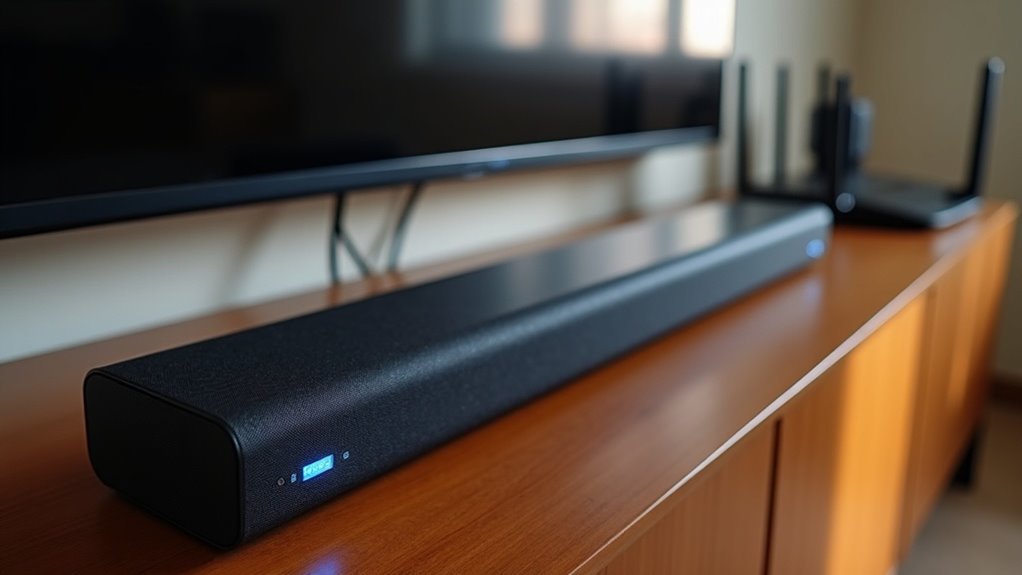
To connect your soundbar to Wi-Fi, first verify its compatibility and confirm that both your TV and soundbar are on the same Wi-Fi network. Download the necessary app for your soundbar brand, then follow the prompts to set up the connection. Make sure to check signal strength and keep your devices updated for peak performance. If you’re interested in troubleshooting tips and alternative connection methods for soundbars, there’s more useful information ahead.
Key Takeaways
- Ensure your soundbar is compatible with Wi-Fi connectivity and is set to Wi-Fi mode using the Source button.
- Connect your mobile device to the same Wi-Fi network as the soundbar to initiate the setup.
- Download the specific app for your soundbar brand to facilitate the connection process.
- Use the app to tap the Add icon (+) and follow the prompts for connecting the soundbar to Wi-Fi.
- Verify the audio after completing the setup to ensure a successful connection.
Benefits of Using Wi-Fi for Soundbars
When you connect your soundbar to Wi-Fi, you unlock a multitude of benefits that enhance your audio experience.
Wi-Fi connections provide a broader range of connectivity compared to Bluetooth, removing the typical 30-foot limitation. This allows you to link multiple soundbars simultaneously for a more immersive audio experience.
With Wi-Fi, you can enjoy Wireless Audio 360 systems, which improve sound quality and create a dynamic listening environment. Additionally, streaming music across various devices on the same network becomes seamless.
A stable Wi-Fi connection can even offer superior audio quality, enabling lossless audio transmission, particularly under optimal network conditions.
Pre-Connection Checklist for Soundbars
Before you start enjoying the enhanced audio experience that Wi-Fi soundbars offer, it’s important to prepare for the connection process.
Here’s a quick checklist to help you connect a soundbar successfully:
- Verify your TV model is from 2013 or later for compatibility with soundbars.
- Confirm both the TV and soundbar are on the same Wi-Fi connection to ensure seamless audio streaming.
- Check for software updates on both devices for optimal performance with your soundbar.
- Verify the Wi-Fi signal strength in the soundbar’s location to prevent connectivity issues.
- Set the soundbar to Wi-Fi mode using the Source button before connecting to your TV.
Step-by-Step Guide to Connecting Your Soundbar to Wi-Fi
Connecting your soundbar to Wi-Fi can seem intimidating, but it’s a straightforward process that enhances your audio experience.
First, ensure your soundbar is compatible with Wi-Fi connectivity and that both your soundbar and TV are on the same Wi-Fi network. Press the Source button on your soundbar or remote to select Wi-Fi mode.
Next, connect your mobile device to that same network. Download the appropriate app for your soundbar brand, such as the Samsung SmartThings app for Samsung soundbars, and open it.
Tap the Add icon (+) to start setting up your soundbar. Follow the prompts to select your soundbar brand and complete the Wi-Fi connection, verifying seamless audio when you connect the TV.
Enjoy an elevated audio experience with your soundbar!
Troubleshooting Disconnections Between TV and Soundbar
Even with a successful connection, you might experience disconnections between your TV and soundbar. When that happens, use your soundbar remote to troubleshoot the issue.
Here are some steps to try to maintain a stable connection:
- Ensure both your soundbar and TV are connected to the same Wi-Fi network.
- Check the Wi-Fi signal strength in the area where your soundbar is located.
- Navigate to Home > Settings > Sound > Sound Output on your TV to confirm the soundbar is selected.
- Restart both the soundbar and your router to refresh the connection.
- Regularly update the firmware on your soundbar to enhance performance and compatibility.
Alternative Connection Methods for Soundbars
While Wi-Fi connections offer convenience, soundbars can also be connected to your TV through several alternative methods that guarantee a high-quality audio experience.
HDMI ARC provides a direct audio connection, allowing you to control the soundbar with your TV remote seamlessly. Alternatively, using an optical cable delivers crisp audio without needing network connectivity.
For those who prefer a wireless setup, Bluetooth is an option, although it might compromise sound quality. Additionally, some soundbars connect directly to subwoofers via Bluetooth or audio cables, enhancing your bass without relying on Wi-Fi.
This ensures that your audio experience remains robust in any situation, making soundbars a versatile choice for any home entertainment system.







