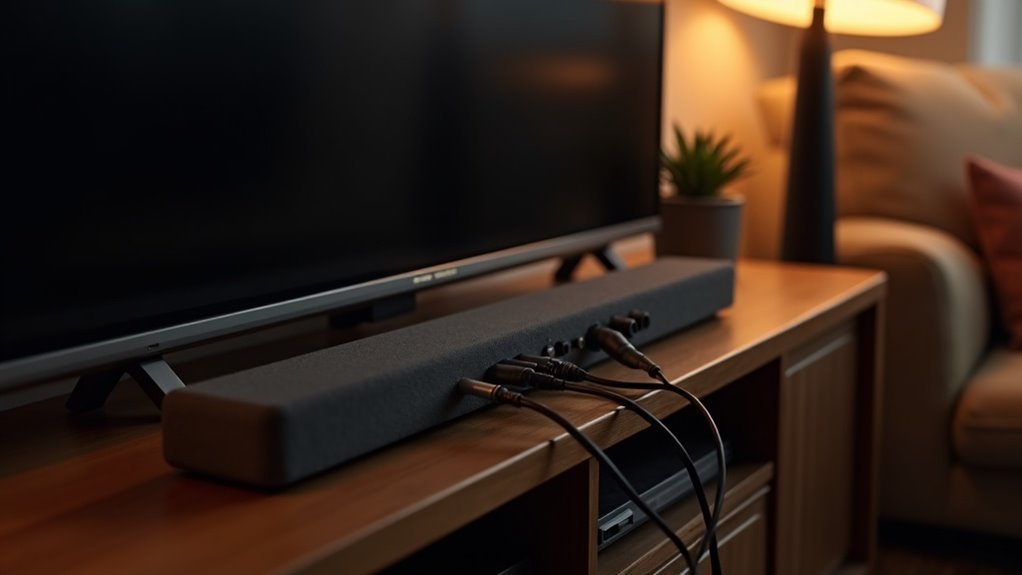
To connect a soundbar to a non-smart TV, start by locating the optical or RCA audio outputs on your TV. For digital audio, use an optical cable; for analog connections, opt for a 3.5mm-to-RCA cable. Ensure that your soundbar is compatible with these input types. Next, adjust your TV’s audio settings to route sound through the appropriate output port. If your TV does not have Bluetooth capabilities, consider using a Bluetooth adapter to enable wireless sound options. Keep exploring to discover more ways to enhance your audio experience with soundbars.
Key Takeaways
- Connect soundbars to non-smart TVs using the optical or RCA audio outputs located on the back of the TV.
- For a digital audio connection, use an optical cable; for an analog connection, utilize RCA cables.
- Ensure that the soundbar is compatible with the inputs available, such as optical, RCA, or 3.5mm, to achieve a successful connection.
- Adjust the TV’s audio output settings to direct sound through the chosen output port for optimal performance.
- If using a Bluetooth soundbar, consider employing a Bluetooth adapter if the TV does not have built-in Bluetooth capability.
Look for Optical or RCA Audio Outputs
When connecting a soundbar to your non-smart TV, the first step is to check for available audio outputs. Look for optical or RCA ports on the back of your TV.
An optical audio port features a squarish opening with notches, capable of delivering high-quality 5.1- and 7.1-channel sound. Older TVs often have analog stereo RCA outputs, which include a left channel (white, marked L) and a right channel (red, marked R).
Ensure that your soundbar has compatible inputs and use the appropriate optical or RCA cables for the connection. Generally, optical cables are priced around $15, while RCA-to-3.5mm cables are typically under $10.
Pick the Right Soundbar
Choosing the right soundbar for your non-smart TV is essential for achieving the best audio experience. Look for soundbars with compatible audio inputs like optical output, RCA, or 3.5mm connections.
Many budget options under $200 offer analog audio inputs, making them perfect for older models lacking HDMI cables. Consider soundbars that support virtual surround sound features, such as DTS Virtual:X, to enhance your audio even with basic stereo outputs.
Verify that your soundbar includes the necessary cables or that you can easily purchase them separately. Opt for models with multiple input options to maintain flexibility for future upgrades or additional devices in your setup.
Explore the best soundbars available to elevate your home entertainment experience.
Use the Correct Optical or 3.5mm-to-RCA Cables
Connecting your soundbar to a non-smart TV requires the right cables to ensure the best audio quality. You can use an optical cable for digital audio or a 3.5mm-to-RCA cable for analog connections. Make sure to check your TV’s audio output options and connect accordingly.
| Cable Type | Connection Details |
|---|---|
| Optical Audio | Connect the optical cable to the optical port on both the TV and the soundbar. |
| 3.5mm-to-RCA | Connect the RCA ports (red and white) to the TV and the 3.5mm end to the soundbar. |
| Price Range | Optical: ~$15; RCA-to-3.5mm: <$10 |
| Availability | Available at online retailers and electronics stores |
| Setup Tip | Ensure the audio settings on your TV are configured to the correct output port. |
Tweak Your TV’s Audio Output Settings
To ensure optimal audio performance from your soundbar, it’s essential to adjust your TV’s audio output settings.
Start by navigating to the TV settings menu and confirming that sound is directed through the appropriate audio-out ports for your soundbar. Check if the TV is set to automatically output sound through these ports.
Navigate to your TV settings to ensure audio is directed through the correct ports for optimal soundbar performance.
Look for options to switch between fixed and variable audio output; selecting variable allows your soundbar to manage the volume levels effectively.
If you’re using optical digital audio, make sure the settings are configured to output through the optical port rather than the internal speakers.
These adjustments can significantly enhance compatibility and elevate the overall audio quality during playback with your soundbar.
Bluetooth Soundbars and Non-Bluetooth TVs
While many modern soundbars feature Bluetooth connectivity, non-Bluetooth TVs present a challenge for wireless audio streaming.
Without Bluetooth, connecting your soundbar directly to the TV may not be possible, so it’s essential to check the audio output options on your TV. If your TV has RCA or optical outputs, you can utilize those for a wired connection to your soundbar.
Alternatively, a Bluetooth adapter can bridge the gap by connecting to your TV’s audio output via a 3.5mm jack, enabling your soundbar to receive audio wirelessly.
However, it’s important to note that a direct wired connection often provides a more reliable audio experience compared to relying on Bluetooth.
Community Insights and Recommendations
When connecting a soundbar to a non-smart TV, it’s essential to check the compatibility between the soundbar’s input options and your TV’s audio output ports.
If you’re encountering connection issues, community members recommend various troubleshooting tips and specific soundbar models that are known to work well with non-smart TVs.
Compatibility Considerations
Ensuring compatibility between your soundbar and non-smart TV is crucial for optimal audio performance.
Start by verifying that your soundbar’s audio input options, such as optical or RCA, match your TV’s audio output formats. Many users suggest looking for optical digital audio outputs on non-smart TVs, as these are often essential for ideal compatibility.
Direct wired connections tend to be more reliable than Bluetooth, reducing potential pairing issues.
Additionally, consider budget soundbars that provide multiple input options to ensure they can connect with various TV models.
With the right compatibility considerations, you can significantly enhance your audio experience.
Connection Troubleshooting Tips
To troubleshoot connection issues between your non-smart TV and soundbar, start by checking the audio output options on your TV. Many non-smart TVs support optical, RCA, or 3.5mm outputs. Confirm you have the right cables, such as optical cables or RCA-to-3.5mm Y-cables. Adjust your TV’s audio output settings to ensure compatibility with your soundbar. If you have a Bluetooth soundbar and your TV doesn’t support Bluetooth, consider using a Bluetooth adapter for a wireless connection.
| Connection Type | Recommendation |
|---|---|
| Optical | Use for best audio quality |
| RCA | Use with RCA-to-3.5mm cables |
| 3.5mm | Suitable for standard audio |
| Bluetooth | Use adapter for wireless setup |
| Settings | Adjust output format for compatibility |
Recommended Soundbar Models
Whether you’re looking to upgrade your audio experience or simply enhance your non-smart TV’s sound, several recommended soundbar models stand out based on community insights.
Here are three that offer excellent connectivity options for older TVs:
- Vizio SB2920-C6 – A budget-friendly soundbar with RCA inputs, perfect for standard audio outputs.
- Sony HT-S350 – This model features both Bluetooth and optical connectivity, ensuring compatibility with most non-smart TVs.
- Samsung HW-T450 – It combines RCA and optical connections, providing versatile options for your setup.
These soundbars not only improve your viewing experience but also make connecting to a non-smart TV seamless.







