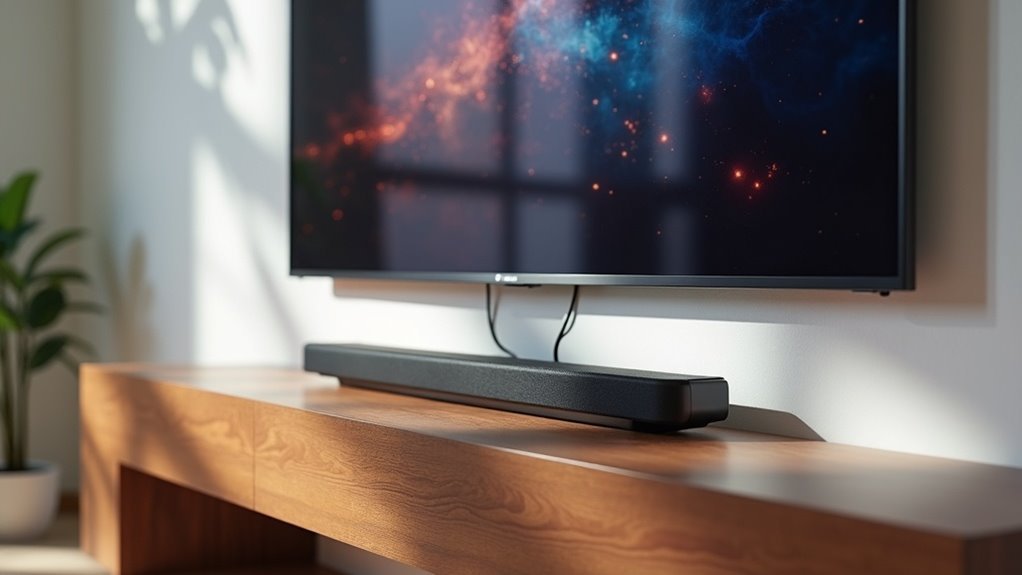
To connect your soundbar to a Hisense TV, begin by plugging in and powering on both devices. Use a high-speed HDMI cable; connect one end to the soundbar’s HDMI out and the other to the TV’s HDMI ARC or eARC port. Next, navigate to your TV settings, change the audio output to ARC, and enable HDMI-CEC for remote control functionality. This setup ensures optimal sound quality and seamless control over your devices. Explore additional steps to elevate your audio experience with soundbars!
Key Takeaways
- Use a high-speed HDMI cable to connect the Soundbar’s HDMI out port to the TV’s HDMI ARC or eARC port.
- Power on the Soundbar and ensure all connections are secure before proceeding to the TV settings.
- Access the TV settings, navigate to the ‘Sound’ section, and select HDMI ARC as the audio output.
- Enable HDMI-CEC in the TV’s connection settings to allow seamless control between the TV and Soundbar.
- Confirm and save all changes in the settings menu to ensure optimal audio delivery through the Soundbar.
Preparation for Connection
Before you start connecting your Soundbar to your Hisense TV, it’s essential to prepare properly to ensure a smooth setup.
First, confirm that your Soundbar is plugged into a power source and powered on.
Next, grab a high-speed HDMI cable for a reliable audio connection, which is crucial when using HDMI.
For a seamless audio experience, ensure you use a high-speed HDMI cable for reliable connectivity.
Locate the HDMI out port on your Soundbar, typically labeled as HDMI out, and find the corresponding HDMI out ARC or eARC port on your Hisense TV.
Remember, avoid using the HDMI in port on the Soundbar, as it won’t facilitate audio output to the TV.
Proper preparation sets the stage for an optimal audio experience with your soundbar.
Steps to Connect the Soundbar
Now that you’re ready to enhance your audio experience, connecting your Soundbar to your Hisense TV is a simple task.
Start by taking a high-speed HDMI cable and inserting one end into the soundbar’s HDMI port and the other into the TV’s HDMI out ARC or eARC port.
Ensure the soundbar is powered on and all connections are secure.
Once connected, you’ll need to access the TV settings to change the audio output to ARC.
Remember to enable HDMI-CEC for remote control functionality.
Save your settings, and you’ll be all set to enjoy immersive sound from your Hisense TV with your new Soundbar!
Accessing TV Settings
How do you quickly access the TV settings on your Hisense TV to optimize your soundbar experience?
Start by reaching the home screen using your remote control. Look for the gear icon or select the “Settings” option.
Once you’re in the settings menu, navigate to the ‘Sound’ section to fine-tune your audio settings. Here, you’ll find the ‘Audio Output’ area.
To connect your soundbar effectively, ensure you select HDMI ARC as your audio source.
Remember to save any changes you make to enhance your soundbar’s performance, ensuring you enjoy the best audio experience while watching your favorite shows.
Configuring Audio Output
After you’ve accessed the TV settings on your Hisense TV, the next step is to configure the audio output to ensure your soundbar delivers the best sound experience. Navigate to the ‘Sound’ options in the settings menu. In the ‘Audio Output’ settings, switch from TV speakers to ARC, which allows audio to flow through your soundbar via the HDMI cable. Confirm your selection to activate the ARC output, making sure all settings are saved before exiting the menu.
| Setting Option | Action |
|---|---|
| Audio Output | Change to ARC |
| Confirm Selection | Activate ARC |
| Save Settings | Maintain Config |
| Exit Menu | Finish Configuration |
Enabling HDMI-CEC
To enhance your soundbar experience, enabling HDMI-CEC (Consumer Electronics Control) on your Hisense TV is essential.
Start by maneuvering to the settings menu and selecting the ‘Connection’ options. Once you’re in the HDMI-CEC settings, make sure the feature is turned on.
This allows your TV to automatically send audio signals to your soundbar and even lets the soundbar control TV functions, like powering on or off with the TV.
After activating HDMI-CEC, check that your soundbar is recognized and ready to deliver high-quality audio through the TV, providing a seamless viewing and listening experience that maximizes the capabilities of your soundbar.







