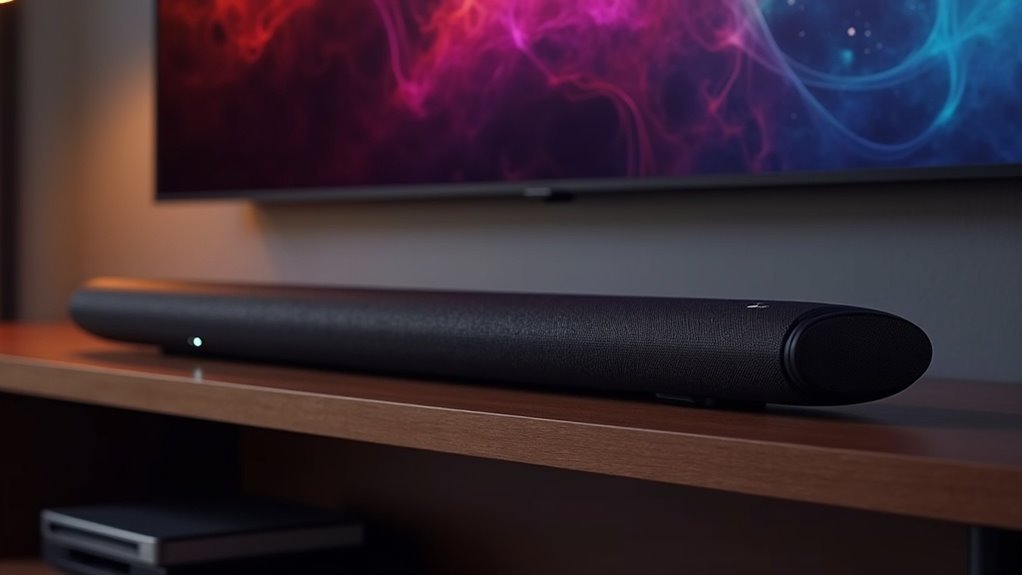
CEC, or Consumer Electronics Control, is a feature that enhances the functionality of soundbars by allowing them to communicate with HDMI-connected devices. With CEC, you can effortlessly control the soundbar’s volume and power using your TV remote, which simplifies your home entertainment setup significantly. Additionally, CEC facilitates automatic input switching and enables all connected devices to power off simultaneously, contributing to both convenience and energy efficiency. To fully utilize the benefits of CEC, ensure that it is enabled on both your soundbar and TV. There are various ways to optimize CEC performance for a truly seamless audio experience with your soundbar!
Key Takeaways
- CEC (Consumer Electronics Control) facilitates smooth communication between a soundbar and HDMI-connected devices.
- It allows users to control the soundbar’s volume and power using just one remote—the TV remote.
- CEC enhances energy efficiency by enabling all connected devices to power off simultaneously when the TV is turned off.
- To activate CEC, navigate to the settings menu on both the soundbar and the TV, ensuring that the HDMI connections are compatible.
- Common challenges with CEC include inconsistent command recognition and audio sync issues, which can usually be fixed by updating the firmware.
Understanding CEC and Its Functionality
Consumer Electronics Control, commonly known as CEC, is a powerful feature that enhances your soundbar experience by enabling seamless communication between your soundbar and other HDMI-connected devices.
With CEC, you can control multiple devices using just your TV remote, simplifying volume control and power management for your soundbar setup. Many soundbars come with the HDMI-CEC function enabled by default, allowing them to automatically power on and switch inputs when you turn on your TV or activate another device.
However, functionality can vary by manufacturer, with brands like Samsung and LG using unique trade names, ensuring you enjoy an integrated audio experience effortlessly with your soundbar.
Benefits of Using CEC on a Soundbar
When you enable CEC on your soundbar, you unlock a variety of benefits that significantly enhance your home audio experience.
With HDMI-CEC, you can control multiple connected devices with a single remote control. This means you can easily adjust the volume, mute, or power the soundbar on and off using your TV remote.
Easily manage your soundbar with your TV remote, adjusting volume, muting, and powering on or off effortlessly.
CEC also ensures that your soundbar automatically powers on and switches inputs when the TV is turned on, creating a seamless integration for your audio needs.
Additionally, when you turn off the TV, all connected devices can shut down at once, promoting energy efficiency while simplifying your setup.
Enjoy a more streamlined and enjoyable sound experience!
How to Enable CEC on Your Soundbar
Enabling CEC on your soundbar can greatly enhance your audio experience, and the process is straightforward.
First, consult your user manual to identify the specific CEC feature name, such as HDMI-CEC, Anynet+ (Samsung), or SimpLink (LG).
Access the settings menu using your remote or onboard buttons, then locate the HDMI settings or CEC options to enable the feature.
Make sure your soundbar is connected to the TV via an HDMI cable that supports CEC, ideally through the HDMI ARC port.
Finally, enable CEC on your TV and any other connected devices for seamless control and optimal interoperability across your entire soundbar setup.
Common Issues With CEC on Soundbars
Although CEC offers a convenient way to control multiple devices with a single remote, soundbar users often encounter various issues that can diminish their experience.
You might notice inconsistent command recognition, where volume adjustments don’t always register properly on the soundbar. Delays in response time can lead to frustrating lag between button presses and the soundbar’s actions.
Incompatibility with certain HDMI switches may disrupt the communication necessary for CEC to function smoothly with the soundbar. Additionally, audio sync issues can arise if the soundbar’s processing time doesn’t match the TV’s video output, resulting in mismatched audio and visuals.
Some commands, like power on/off, may work better than others when controlling the soundbar.
Tips for Optimizing CEC Performance
To ensure optimal performance of your soundbar‘s CEC functionality, it’s crucial to enable HDMI-CEC on both your soundbar and TV.
Make sure to use HDMI connections that support ARC for the best audio experience and to facilitate seamless communication between devices.
Regularly check for firmware updates on both your soundbar and TV, as these updates often improve CEC compatibility and overall performance.
In the TV’s HDMI-CEC settings, prioritize your soundbar to ensure it effectively controls audio functions.
If you experience any lag or connectivity issues, try disconnecting and reconnecting the HDMI cable to reset the CEC pathway.







