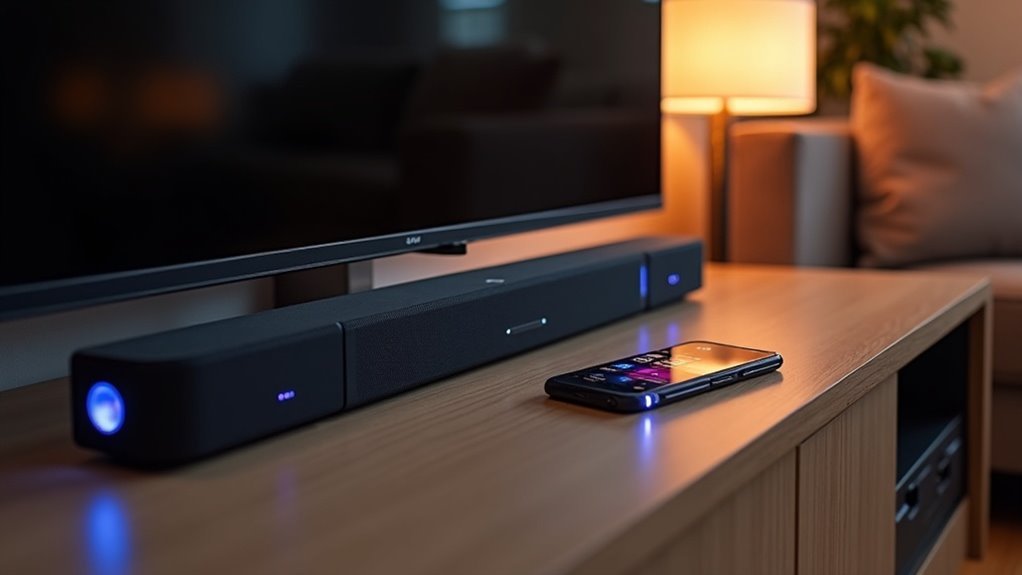
Wireless soundbars transmit audio via Bluetooth or Wi-Fi, eliminating cumbersome wires in your audio setup. They connect to your TV using HDMI ARC or optical cables, making installation straightforward. Most models include built-in subwoofers for enhanced sound quality and utilize advanced audio processing technologies, like Dolby Atmos, for an immersive listening experience. With flexible placement options, you’re free to optimize your audio space. Explore our website to discover more about the features and benefits of soundbars.
Key Takeaways
- Wireless soundbars transmit audio signals through Bluetooth or Wi-Fi, allowing for seamless streaming from various devices.
- They connect to TVs using HDMI ARC or optical cables, facilitating audio and control signals.
- Many models feature built-in subwoofers to enhance sound quality, while advanced processing technologies like Dolby Atmos deliver immersive audio experiences.
- Power requirements typically include an AC outlet for subwoofers, allowing for flexible placement away from the main soundbar unit.
- User-friendly installation and app-based controls enhance convenience, making it easy to integrate with smart home systems.
Understanding Wireless Soundbars
Wireless soundbars are transforming the way you enjoy audio in your home theater. These devices transmit audio signals wirelessly through Bluetooth or Wi-Fi, providing the flexibility to position them anywhere without the hassle of tangled cables.
They typically connect to your TV using HDMI ARC or optical cables, making it easy to integrate them into your home entertainment system. Many models come with built-in subwoofers to enhance audio quality while reducing clutter.
With cutting-edge sound processing technologies like Dolby Atmos, wireless soundbars create an immersive experience for both movies and music. Their variety of connection options ensures you can enjoy high-quality sound tailored to your unique preferences and setup.
How Wireless Soundbars Connect to Your Devices
When setting up your audio system, connecting soundbars to your devices is both straightforward and versatile. Wireless soundbars typically connect via Bluetooth or Wi-Fi, allowing for seamless audio streaming. Many models feature HDMI ARC ports for simplified connections, enabling the transmission of audio and control signals through a single cable. Optical audio cables serve as a reliable alternative for older TVs. Additionally, some soundbars come with app-based controls, letting you manage settings directly from your smartphone. Integration with smart home systems also allows for voice-activated operation through platforms like Amazon Alexa.
| Connection Type | Description |
|---|---|
| Bluetooth | Wireless streaming without cables |
| HDMI ARC | Single cable for audio and control signals |
| Optical Audio | Alternative for older devices |
Advantages of Wireless Audio Transmission
While traditional audio setups often involve cumbersome wiring, the advantages of wireless audio transmission in soundbars create a more streamlined experience.
Utilizing Bluetooth and Wi-Fi, soundbars offer a clutter-free setup, allowing for flexible placement without being restricted by cable lengths. This means you can position your soundbar and subwoofers for optimal sound quality and aesthetics, enhancing your living space.
Wireless soundbars provide a flexible, clutter-free setup, allowing optimal placement for enhanced sound and aesthetics in your living space.
Installation becomes quicker and more user-friendly, eliminating the hassle of running wires. Additionally, many soundbar models feature advanced audio processing, delivering sound quality that rivals traditional wired systems, providing an immersive listening experience.
Enjoy the freedom of movement and convenience that wireless soundbars bring to your audio setup.
Power Requirements of Wireless Subwoofers
How do wireless subwoofers manage their power needs in relation to soundbars? Unlike wireless audio transmission, which is transmitted wirelessly via Bluetooth technology, these subwoofers require a constant source of electricity to complement your soundbar. Here’s what you need to know:
- They must connect to an AC outlet for power, ensuring they deliver optimal performance.
- The audio signal allows for flexible placement away from the soundbar, enhancing your home theater setup.
- Positioning is essential for ideal sound quality, but the subwoofer must remain near a power supply.
- They differ from battery-powered devices like Bluetooth headphones, as they rely on consistent electrical power.
- Understanding their power requirements is key to effective integration with your soundbar.
Make sure your wireless subwoofer is properly powered for the best audio experience in conjunction with your soundbar!
Customer Feedback on Wireless Soundbars
What makes wireless soundbars a favored option among consumers? Customer feedback consistently emphasizes their straightforward installation process, which eliminates the hassle of extensive wiring while significantly enhancing your TV’s audio quality. The convenience of Bluetooth connectivity allows for effortless streaming from various devices. Many users also appreciate the sleek design, which minimizes clutter and contributes to a more organized appearance in home entertainment setups. The table below summarizes key feedback points:
| Feature | Customer Feedback | Benefit |
|---|---|---|
| Sound Quality | Immersive audio experience | Rivals traditional home theater |
| Placement Flexibility | Wireless subwoofers | Enhanced sound distribution |
| Aesthetic Appeal | Clutter-free design | Cleaner entertainment setup |







